eBay may be one of the longest-running online marketplaces, but it remains a major ecommerce channel. As of Q2 2026, eBay reported
136 million active buyers worldwide and
$22.4 billion in quarterly gross merchandise volume (GMV),
up 15% year over year.
The marketplace also offers sellers an unusually broad range of opportunities. Around 40% of items sold on eBay are used or refurbished, according to CEO Jamie Iannone, while collectibles account for more than $10 billion in business on the platform. However, reaching those buyers takes more than opening an account and uploading products. Sellers need accurate listings, reliable inventory, realistic shipping promises, and processes for managing orders and fulfillment.
Those workflows become even more important if eBay is one of several marketplaces you sell on. The more sales channels you add, the more product data, inventory updates, pricing, and orders you have to keep aligned. Managing each marketplace separately can quickly create extra manual work and disconnected processes.
This is where UniCon comes into play . UniCon is a multichannel marketplace connector designed to help sellers manage product, inventory, pricing, and order workflows across supported marketplaces from one place. If eBay is part of a broader multichannel strategy, preparing your catalog and operations correctly from the beginning can make it much easier to connect those workflows later.
-
Get started selling on eBay
-
Avoid common eBay setup mistakes
-
Prepare your product catalog
-
Manage eBay alongside other marketplaces with UniCon
-
Plan your shipping and fulfillment
-
Take the next step toward multichannel selling
Before building your catalog, make sure your seller account and business are ready.
To start selling, you'll need an eBay account and must complete seller registration.
During
registration, eBay verifies information such as your identity, payout details, and business information when applicable. You'll also need to connect a checking account or eligible debit card to receive payouts.
Once you're registered,
Seller Hub gives you a central place to manage listings, orders, sales performance, marketing, and other parts of your eBay business.
Opening an account doesn't necessarily mean you can immediately upload your entire catalog.
eBay applies monthly
selling limits to seller accounts. Active and sold listings count toward your limit, and eBay reviews limits monthly and may adjust them based on factors such as sales volume and buyer feedback. Separate category limits can also apply.
If you're planning a larger launch, check your limits in Seller Hub first.
Two of the main eBay selling costs are
insertion fees and
final value fees.
Sellers receive a monthly allowance of zero-insertion-fee listings, after which insertion fees may apply. When an item sells, eBay generally charges a category-dependent final value fee based on the total amount of the sale plus a per-order fee.
Store subscriptions and optional listing upgrades can add other costs.
Due to fees varying by category and selling setup, check the current fees for your products before calculating margins.
Know eBay's Operational Requirements
Getting registered is only the beginning. Once you're selling, eBay expects you to consistently meet its standards for order fulfillment and customer experience.
For sellers on eBay.com, minimum performance standards include keeping cases closed without seller resolution at no more than 2 cases or 0.3% of transactions and maintaining a transaction defect rate of no more than 2%. Falling Below Standard can result in consequences such as selling limitations and higher fees.
Before orders start arriving, establish a clear process for:
-
Keeping inventory accurate
-
Managing cancellations and returns
-
Monitoring and fulfilling orders
-
Responding to buyer issues
-
Updating tracking
-
Monitoring account performance
If you're selling the same inventory across multiple marketplaces, you should also know which system is your source of truth for inventory, pricing, and product information.
If you're already selling on Amazon, Walmart, Shopify, your existing catalog can give you a strong starting point for eBay. From there, make sure your product data is clean and aligned with eBay's specific listing requirements.
Depending on the product and category, an eBay listing can include:
eBay also supports recognized product identifiers such as UPC, EAN, ISBN, brand, and MPN information where applicable.
eBay uses structured item specifics to help shoppers understand products and find relevant listings. Depending on the category, these can include details such as
brand, size, type, material, color, and model.
Condition is especially important because eBay supports new, used, refurbished, and collectible inventory. Available conditions vary by category, so make sure the condition accurately represents what the buyer will receive.
Every eBay listing needs at least one
image, and sellers can add up to 24 pictures.
Images should accurately show the product. For used or imperfect items, include photos of scratches, wear, defects, or other details buyers should know before purchasing.Before publishing a large catalog, decide how you'll handle shipping and returns.
eBay's business policies allow sellers to create reusable payment, shipping, and return policies and apply them across multiple listings.
You'll also need to choose a fulfillment approach. That might mean shipping from your own warehouse, using a 3PL, or using a supported marketplace fulfillment network.
On eBay,
handling time covers the period between receiving the buyer's payment and the package receiving a carrier scan.
Because handling time contributes to the delivery estimate shown to shoppers, eBay recommends choosing the quickest handling time you can consistently meet.
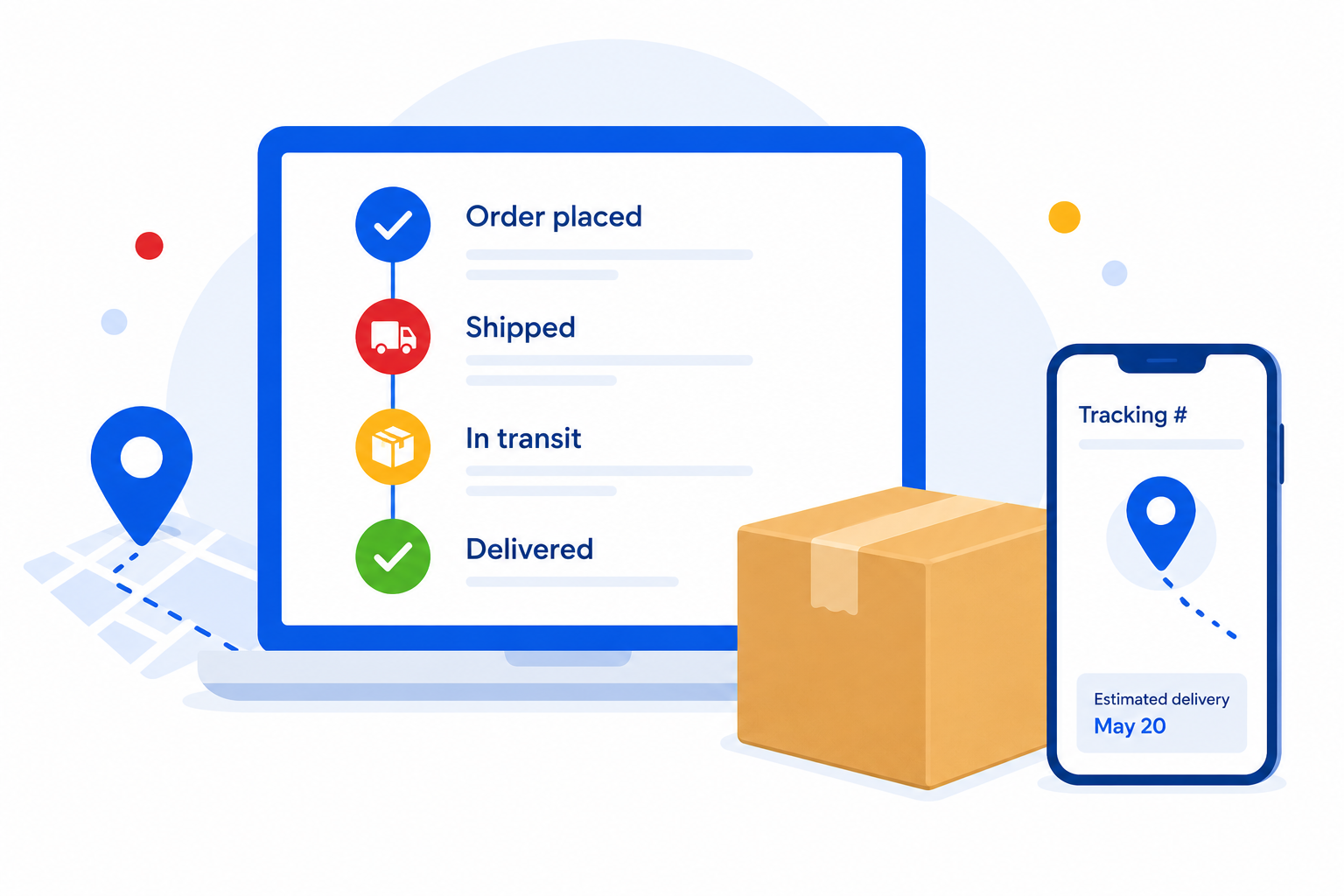
Tracking helps both you and your customer follow an order through delivery. Uploading tracking within your stated handling time and using an integrated carrier can also help provide seller protection if a buyer reports that an item wasn't received.
If you sell on several marketplaces, decide in advance where eBay orders will be fulfilled and how order and tracking information will stay synchronized.
A few early mistakes can create unnecessary work later:
Uploading your entire catalog before checking selling limits
Check account and category limits first.
Not Double-Checking eBay Requirements
Before publishing, confirm that your product data meets eBay’s category, item specific, condition, and listing requirements.
Using inconsistent SKUs or identifiers
Stable identifiers make products easier to match across marketplaces and systems.
Overpromising on handling time
Only promise what your fulfillment operation can consistently deliver.
Letting inventory become disconnected across channels
Establish one reliable source of truth for available inventory.
Ignoring marketplace policies
Sellers are responsible for ensuring products comply with eBay's rules, including its
intellectual property and counterfeit policies.
UniCon connects your eBay operation with the rest of your multichannel business. You can use an existing catalog from Amazon, Walmart, or Shopify to prepare products for eBay, or import existing eBay listings into UniCon and link them to their source-marketplace counterparts. UniCon can also help map marketplace-specific categories and attributes and identify information that needs attention before publishing.
Once your eBay account, catalog, and fulfillment plan are ready, start small. Connect your source catalog and eBay account, then test a smaller group of products before expanding. Review your category and attribute mappings, confirm inventory and pricing, and make sure orders, fulfillment, and tracking work as expected.
For sellers using marketplace fulfillment networks, eBay orders can also be routed through UniCon for fulfillment with
Amazon Multi-Channel Fulfillment (MCF) or
Walmart Multichannel Solutions (MCS). The goal isn't simply to get more listings live. It's to make sure the information behind those listings stays accurate as your business expands across marketplaces.
With
UniCon, supported product, inventory, pricing, order, and fulfillment workflows can stay connected instead of creating a separate process for every marketplace.
With
136 million active buyers and billions of dollars in goods sold every quarter, eBay remains a significant opportunity for ecommerce sellers. However, a successful launch depends on more than getting products listed.
Start with accurate product data, stable SKUs, reliable inventory, realistic delivery promises, and a fulfillment process you can consistently maintain. And if eBay is one piece of a larger marketplace strategy, build with multichannel management in mind from the beginning.
UniCon can help connect eBay with your broader ecommerce operation, giving you a more centralized way to manage supported product, inventory, pricing, and order workflows as you grow.